What our migrations have taught us about losing traffic
Most replatforming disasters come down to the same four mistakes. Here they are, in the order they usually happen.

Every agency that has ever replatformed a store says the same sentence in the pitch: “you will not lose traffic.” Most of them mean it. In our experience, plenty of them are wrong, and the client only finds out six weeks later when the organic line has quietly fallen off a cliff.
1. The redirect map nobody makes
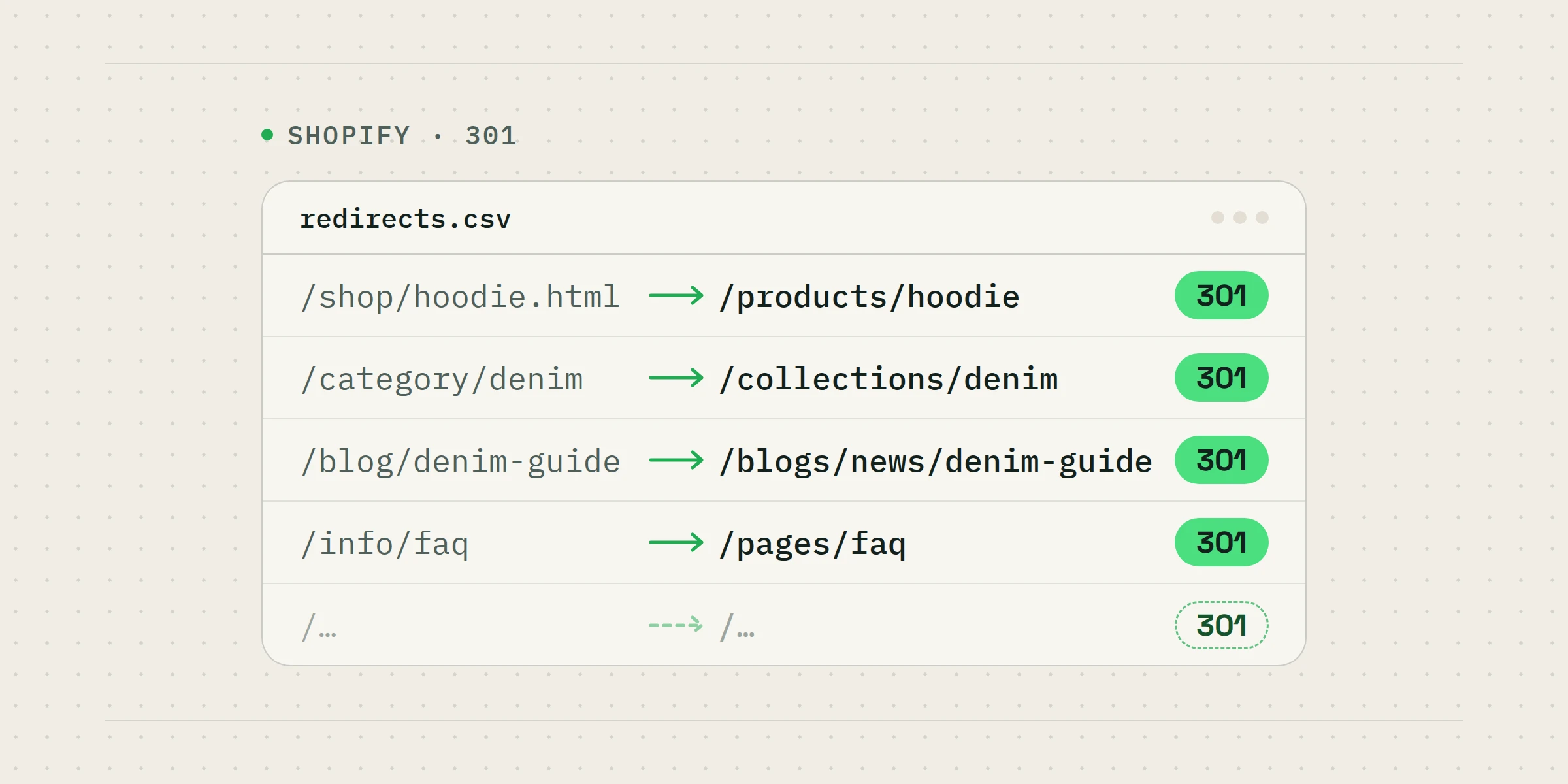
This is the big one. Your old store has thousands of addresses: products, collections, blog posts, filtered views, and a long tail of URLs you forgot existed. Shopify will not guess where they should point. If nobody writes the map, every one of those addresses becomes a 404 on launch day, and Google treats a wall of 404s exactly how you would expect.
“If you cannot show me the redirect map, the migration has not been planned. It has been hoped.”
2. Trusting the app to move the data
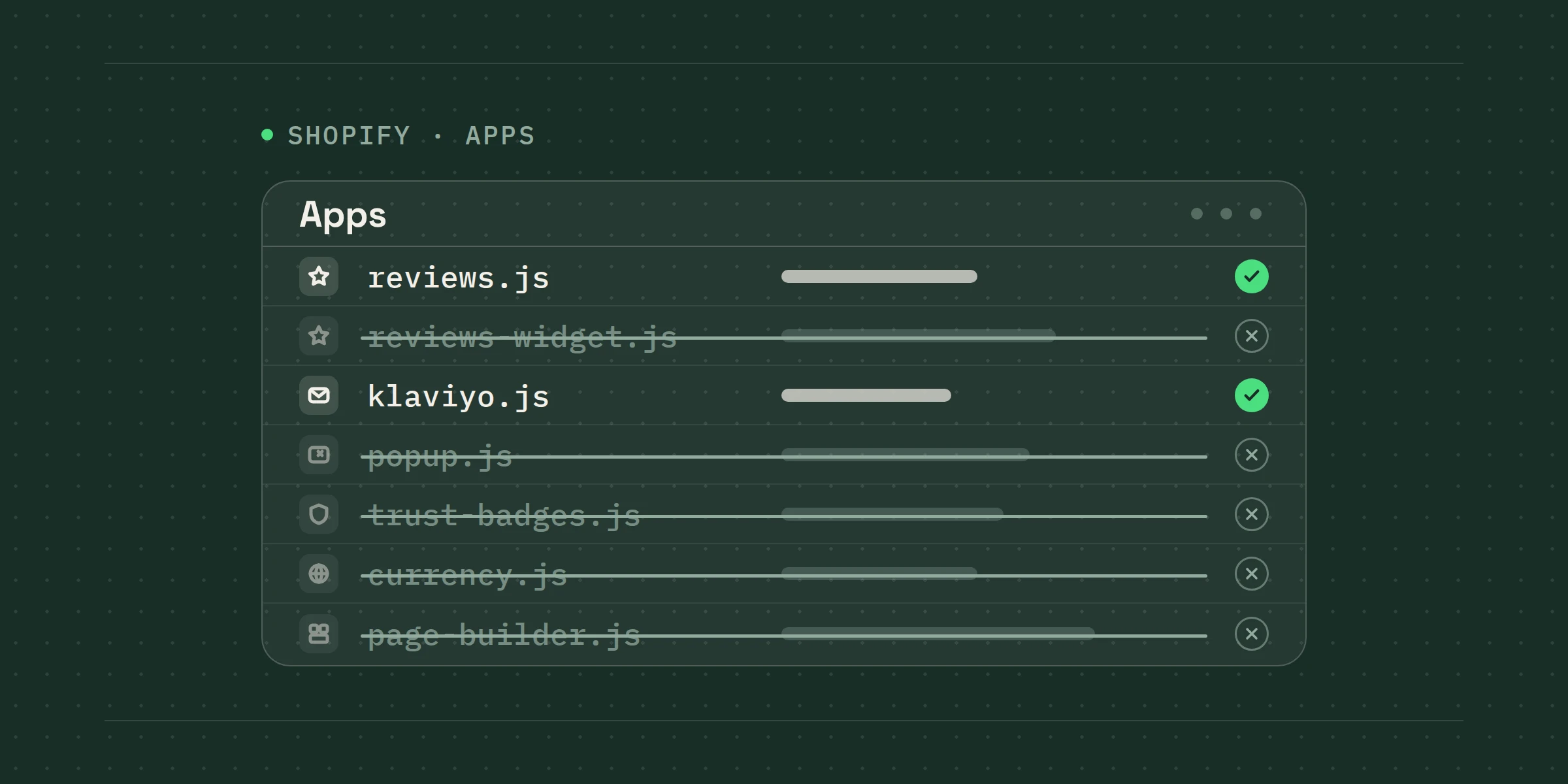
Migration apps are useful, but they are not a plan. They will move products and customers cheerfully, and they will often silently drop metafields, subscription contracts, tags your flows depend on, and the review data that your product pages are quietly built around. That is why we count rows on both platforms before and after. Every time.
- Products, variants and inventory
- Customers and their order history
- Subscription contracts and tokens
- Reviews, metafields and tags
- Every redirect, tested
3. Launching on a Friday
Things rarely go wrong on launch day itself. Things go wrong forty hours after launch day, when a payment gateway rejects its first real subscription renewal and everyone who could fix it is away at their holiday cottage. We launch early in the week, and someone senior watches the numbers until the first renewals have gone through safely.
4. Forgetting the old sitemap
Submit the new sitemap, keep the old one accessible for a fortnight, and watch Search Console daily rather than monthly. Recovery is cheap in week one and expensive in month three.
What we do instead
Every migration we run starts with a URL audit and ends with us watching rankings and traffic closely after launch. It is not glamorous work, but it is the reason our clients usually keep their rankings. If you are considering the move, the calculator on our Shopify Migration page will give you an estimate of what your current platform is costing you, before you talk to anyone, including us.