The Shopify apps we remove first
The typical Shopify store we inherit runs far more apps than it needs. This is how we find the ones doing nothing.

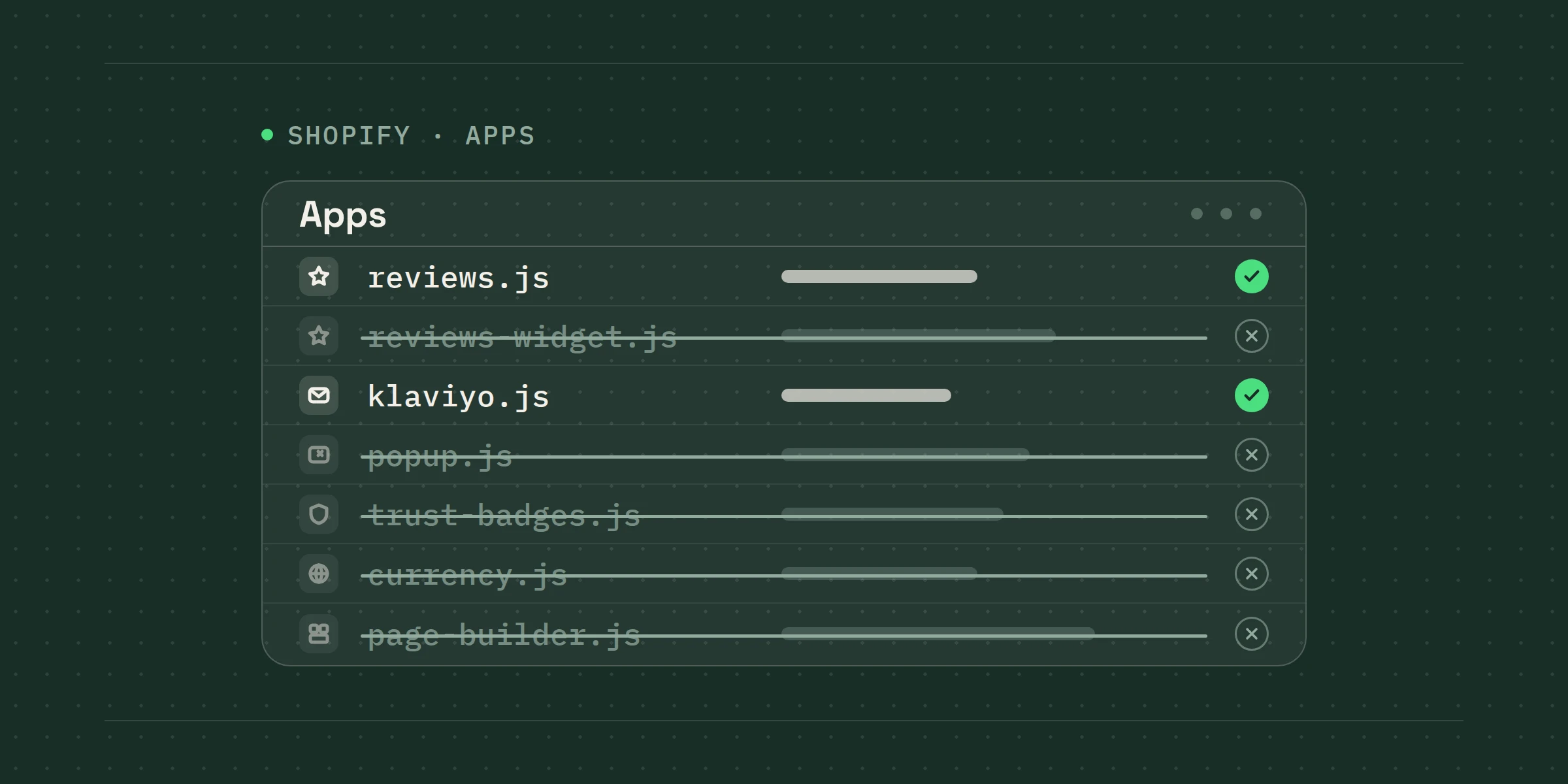
Apps are how Shopify stores grow features, and they are also how Shopify stores grow slow. Many apps add scripts to every page, whether or not the feature is used on that page, and most of them keep loading long after the person who installed them has left the company.
1. The audit comes first
We export the app list, the monthly cost of each, and the theme's script tags. Then we ask three questions per app: what does it do, where on the site does that happen, and when was it last configured. To take a made-up example, an app nobody has opened in a year that costs DKK 400 a month and adds 300 kilobytes to every page is not a hard decision.
2. The usual suspects
Two review apps running side by side after a migration nobody finished. A pop-up app and a Klaviyo form doing the same job. Three separate “trust badge” apps. A currency converter on a store that only ships to Denmark. Page builders that were used for one landing page in 2023. None of these are bad apps; they are apps without a job.
- What it does, in one sentence
- Which pages it actually runs on
- When it was last configured
- What it costs per month
- What it adds to page weight
3. How we remove them without breaking anything
Uninstalling is the easy part. The leftover code is not. Most apps leave snippets in the theme that keep loading after the app is gone. We remove them by hand, on a duplicate theme, test the pages that used the feature, and only then publish. It is slower than clicking “uninstall”, and it is why the store is faster afterwards rather than just cheaper.
Where we start
Every Shopify Unlimited engagement starts with this audit, whether or not the client asked for it. It is usually one of the cheapest speed improvements a store can get, and it makes every task after it easier to build.
Unlimited Shopify tasks at one flat monthly fee. App clean-up is usually the first one.
SEE WHAT'S INCLUDED